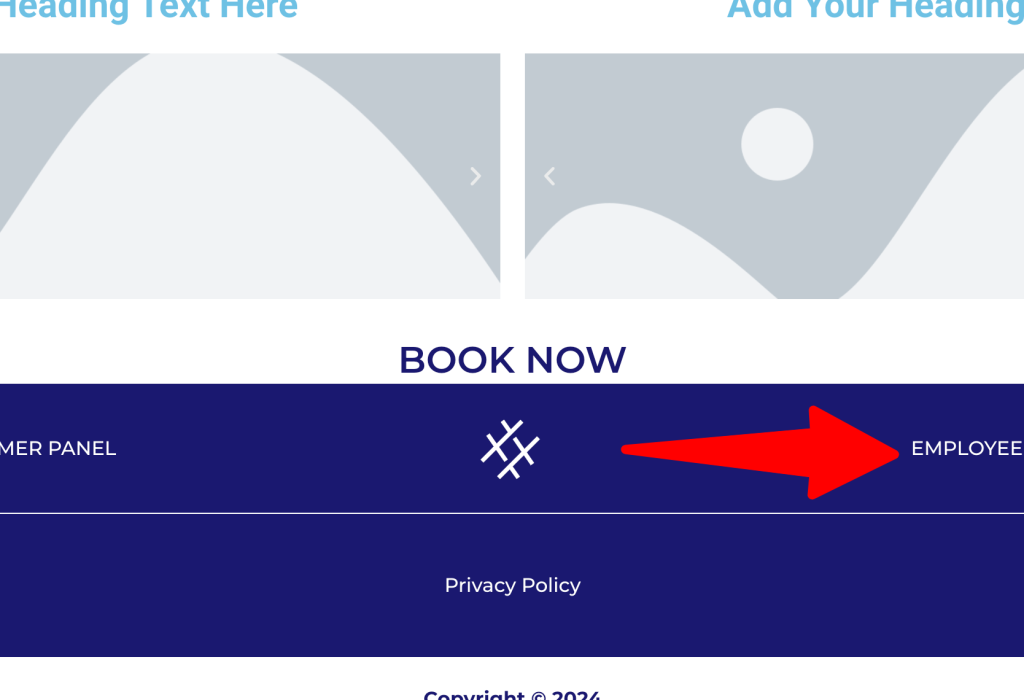
Scroll down to the bottom of any page on our website and click on “Employee Panel” to access additional services or manage your account.
Step 2:
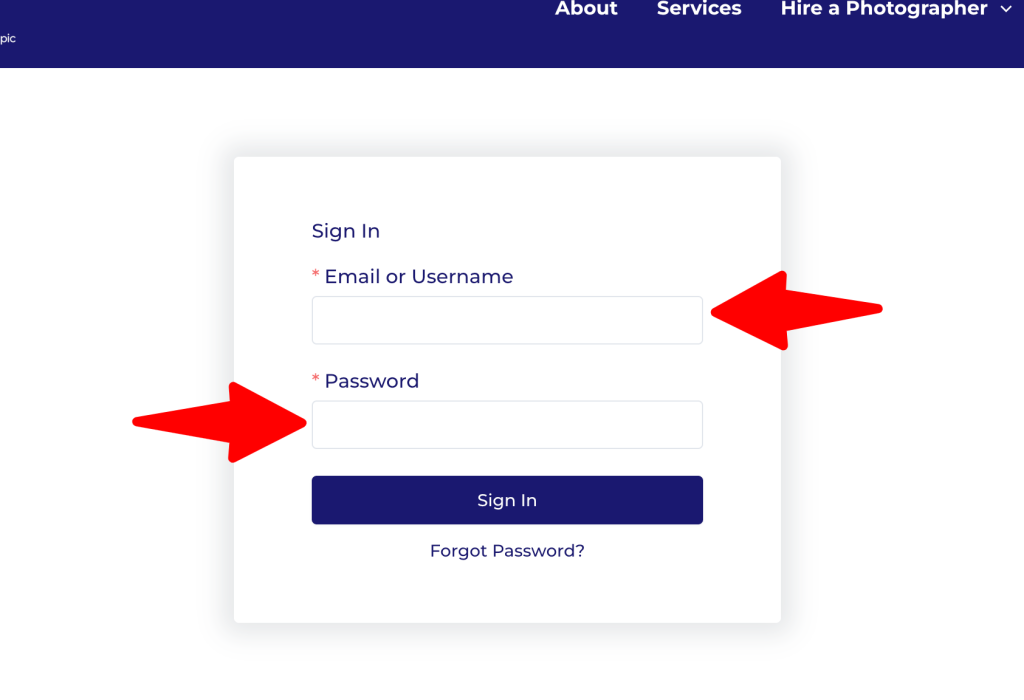
Enter your email address in the provided field, and add your employee password to continue.
Step 3:
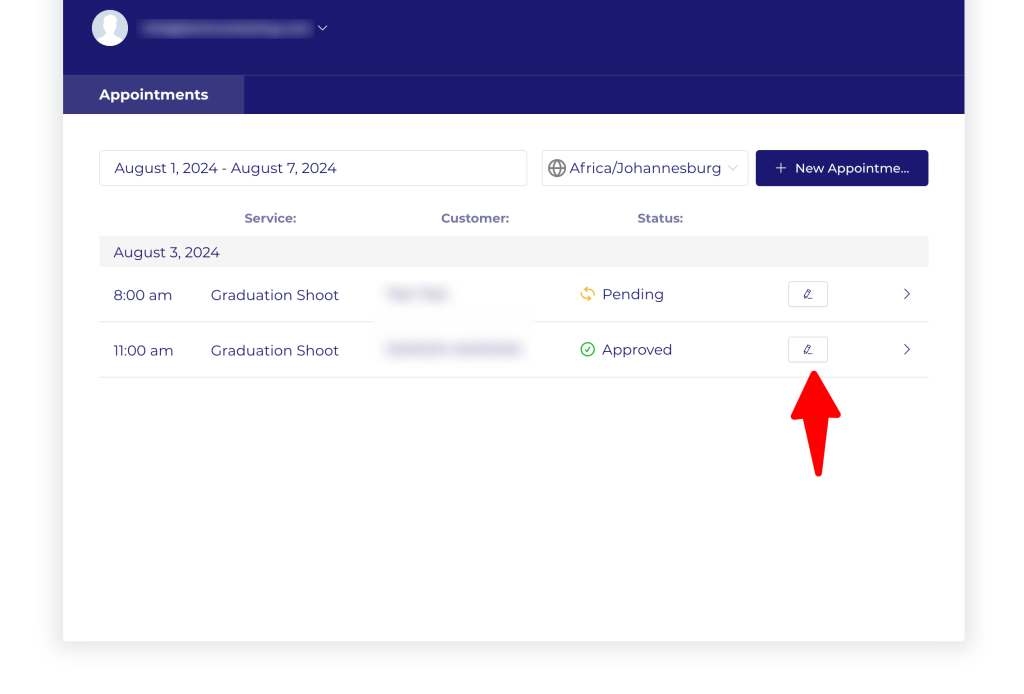
You are now in your Employee Panel. Locate your bookings and click on the small pen symbol to edit your bookings. Please be aware that we have specific policies regarding date changes and cancellations. For more details, visit our Terms and Conditions page.